





Is your internet connection working fine, the software systems are updated, and your tickets are getting answered but the server still won’t turn on? This is the point where you need reliable on-site IT support.
Onsite IT support means a certified technician travels to your location to fix hardware, network, and end-user problems that remote tools can’t touch, think failed servers, damaged cabling, or a workstation that needs setting up in person.
The reason why on-site IT support matters is because physical repairs, installations, and troubleshooting need hands and tools on the actual equipment, not just a screen share, which is why remote-only support eventually hits a wall.
In this guide, we’ll walk through exactly when you need someone on the ground, what skipping onsite help actually costs you, and how to pick a provider who shows up when they say they will.
What Exactly Is Onsite IT Support?
Think of it as the physical half of IT. Remote support lives inside your screen: resetting passwords, pushing updates, troubleshooting apps over a call. Onsite support lives in the real world. A technician walks into your building with a toolkit, diagnostic gear, and sometimes spare parts, then fixes what’s actually broken.
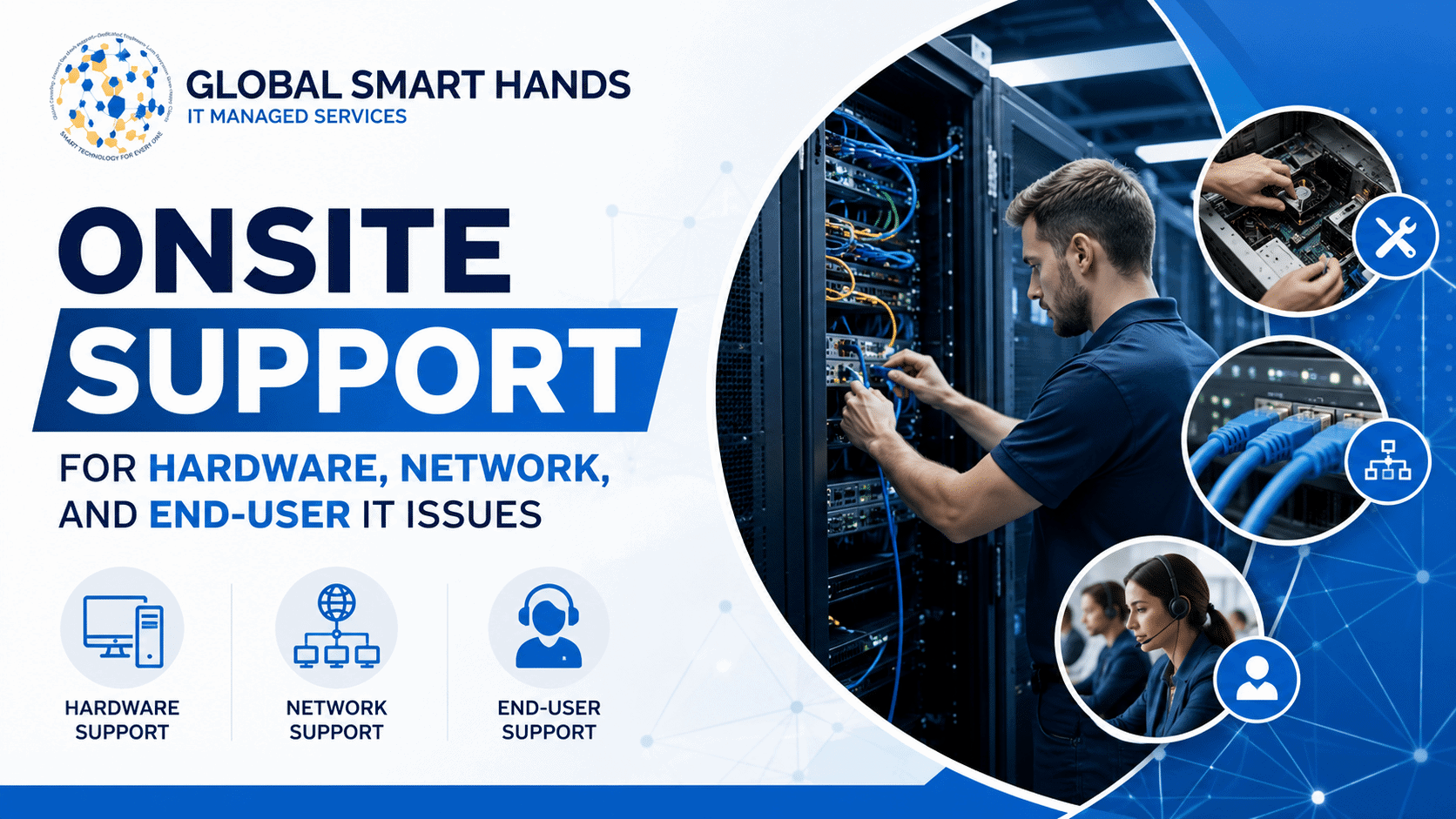
It generally covers three buckets:
- Hardware: servers, desktops, printers, POS terminals, networking gear, anything with a plug
- Network: cabling, switches, routers, wireless access points, physical connectivity
- End users: the people trying to get work done on all of the above, who need training, desk-side help, or a new machine set up correctly
Most managed IT providers now blend both delivery models, calling in a technician only when a problem genuinely can’t be handled from a distance.
Why Can’t Remote Support Just Handle Everything?
Fair question, because remote support really has gotten better. Screen sharing, remote monitoring tools, and cloud helpdesks resolve a huge share of tickets without anyone leaving their desk.
But remote tools hit a wall the moment a problem turns physical. You can’t reset a fried power supply over a video call. You can’t re-terminate a snapped ethernet cable through a support portal.
Recent industry research backs this up: network outages are now the single leading cause of IT service disruptions, accounting for roughly 31% of incidents, while human error drives most of the rest.
The split is worth remembering: software problems usually don’t need a person in the room. Physical ones almost always do.
What Hardware Problems Actually Need Someone On-Site?
Hardware failures are the classic reason to call someone in. Here’s what usually can’t wait on a shipped part or a video tutorial:
- Failed servers, storage arrays, or power supplies that need a physical swap
- Dead desktops, laptops, or POS terminals
- Printer, scanner, or peripheral breakdowns that just won’t cooperate
- New equipment installs, including racking and stacking servers
- IMAC work, installs, moves, adds, and changes, during office moves or upgrades
- Pre-deployment site surveys to check power, space, and cabling before a rollout
What Network Issues Call for In-Person Help?
Your network and IT infrastructure can look perfectly healthy on a monitoring dashboard and still be one bad patch cable away from an outage. Common culprits that need someone physically there:
- Damaged, miswired, or aging network cabling
- Switch, router, or firewall hardware failures
- Wi-Fi dead zones that need access points remounted or repositioned
- New site network builds for a branch office or store opening
- Physical security devices, like cameras and badge readers, that need installing or troubleshooting
What End-User IT Issues Benefit Most from an Onsite Visit?
Not every end-user problem is about broken hardware. Sometimes people just need someone to show them how, once, in person, so they stop submitting the same ticket every month. Strong end-user support teams know exactly when a five-minute desk visit saves five weeks of repeat tickets.
- Desk-side troubleshooting after remote fixes have already failed a few times
- Face-to-face training on new software or hardware rollouts
- Setting up peripherals like docking stations, monitors, and headsets
- Onboarding a new hire’s entire workstation before their first day
- Handling issues in industries like retail, healthcare, or manufacturing, where staff can’t just leave the floor to call a help desk
Onsite vs. Remote Support: What’s the Real Difference?
Neither model beats the other, they simply cover different jobs. Here’s the split at a glance:
| Factor | Onsite Support | Remote Support |
|---|---|---|
| Best suited for | Hardware failures, cabling, installs, physical security | Password resets, software configs, app troubleshooting |
| Typical response | Hours, technician travels to your location | Minutes, instant remote connection |
| Cost per ticket | Higher, labor, travel, and parts | Lower, no travel, one technician serves many clients |
| Physical access | Yes, hands-on repairs and replacements | No, screen and remote tools only |
| Compliance checks | Can perform in-person audits | Limited to what’s visible on-screen |
Most businesses land on a hybrid setup: remote covers day-to-day tickets, and onsite gets called in for anything physical. Providers offering remote desktop support and deployment alongside onsite dispatch tend to give you both without juggling separate vendors.
What Do You Actually Gain from Having Onsite Support?
The financial case is bigger than most people expect. A widely cited Gartner benchmark puts average downtime costs around $5,600 a minute, and more recent surveys show over 90% of midsize and large organizations now report an hour of downtime costing more than $300,000. Waiting days for a shipped part while a server sits dead adds up fast.
Beyond avoiding downtime, onsite support tends to deliver:
- Faster fixes for physical problems, no lengthy back-and-forth diagnosis first
- Fewer repeat tickets, since a technician can catch the root cause, not just a workaround
- Hands-on training that sticks better than a help article (desktop support teams often add the most value here)
- Better compliance support for regulated industries needing in-person audits
- One point of contact for the entire hardware lifecycle: installs, moves, upgrades, retirement
- Less strain on your internal team, freed up to focus on strategy instead of firefighting
How Do You Choose the Right Onsite IT Support Partner?
Not all providers are built the same, and the gap shows up exactly when you need them most. A few things worth checking before signing anything:
Response Time SLAs
Ask for specifics, not vague promises. A 4-hour onsite response in major cities is a common benchmark among established providers.
Technician Certifications
Look for CompTIA A+, Network+, Cisco’s CCNA, or vendor-specific credentials relevant to your equipment.
Geographic Coverage
Confirm the provider has local technicians in your cities, not just a call center.
Track Record With Break-Fix And IMAC Work
Ask how they handle project-scale installs, not just single-ticket emergencies.
Security Practices During Visits
Physical access is still a security risk, so visits should be logged and technicians vetted.
Genuine Hybrid Model
The right ongoing support setup blends remote monitoring with scheduled onsite visits, so you’re not paying a technician to show up for something a screen share could have fixed.
How Does Global Smart Hands Help with Onsite Hardware, Network, and End-User Support?
If you’re weighing an in-house onsite team against outside help, Global Smart Hands is worth a look. It’s a global IT support and smart hands provider with more than 5,000 engineers across 150+ countries, running delivery teams right out of the United Kingdom on a global level.
For hardware, network, and end-user problems specifically, the team handles:
- Break-fix support for hardware failures, with a 4-hour onsite response window in major cities, covered in their break-fix support overview
- IMAC projects, including data center relocations, office moves, and rack-and-stack installs
- Network and infrastructure support, from cabling and switch troubleshooting to full site builds
- End-user support, with desk-side troubleshooting and multilingual helpdesk coverage
- Retail and EPOS rollouts, where minimizing checkout downtime matters, explained further in their piece on faster EPOS rollouts across regions
Businesses expanding into new regions get local, on-the-ground technicians without hiring and managing full-time IT staff in every city they operate in.
If you require reliable on-site IT support and looking for someone who can actually walk in and fix it, Global Smart Hands is always at your service. Contact On-site IT support today for reliable services in more than 150+ countries around the globe.
Frequently Asked Questions
What’s the difference between onsite IT support and remote IT support?
Onsite support means a technician physically comes to fix hardware, cabling, or equipment problems. Remote support handles software issues, password resets, and configuration changes remotely, no travel required.
How fast can an onsite IT technician usually reach my location?
It depends on the provider and city. Many established providers target a 4-hour response window for major cities, though remote locations can take longer.
Do I still need an in-house IT team if I use onsite support?
Not necessarily. Plenty of businesses run entirely on outsourced support. Others keep a small internal team for strategy and bring in outside providers for hands-on hardware and network work.
Is onsite IT support more expensive than remote support?
Per incident, usually yes, since it involves travel and labor. But for physical problems, attempting a remote fix first and failing often costs more in downtime than simply dispatching a technician.
What certifications should I look for in an onsite technician?
Common ones include CompTIA A+ and Network+, Cisco’s CCNA, and Microsoft or AWS certifications, depending on your environment and equipment.
Can onsite support work alongside my existing IT provider?
Yes. Many businesses use onsite dispatch purely to fill physical coverage gaps, while their existing provider or internal team keeps handling everything else.